Get Started

1. Register with the broker
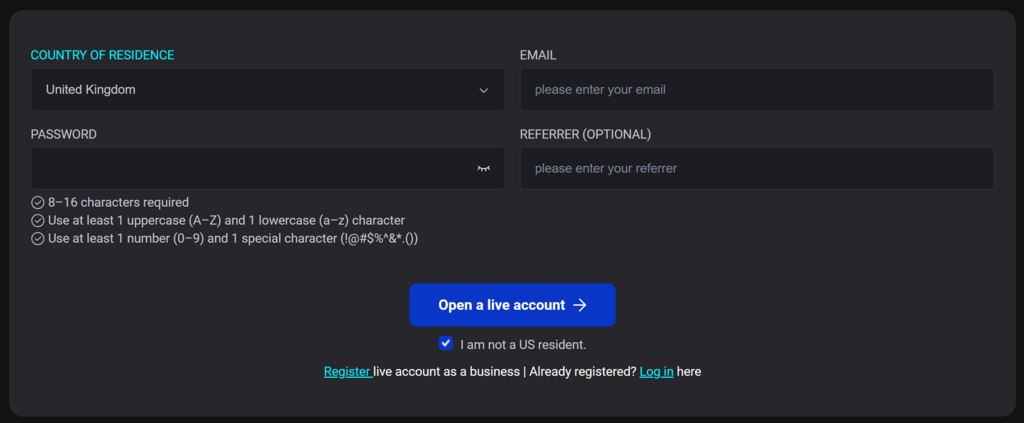
  • Follow the link to the registration page VT Markets
  • Fill out the basic details and click on 'Open a live account'

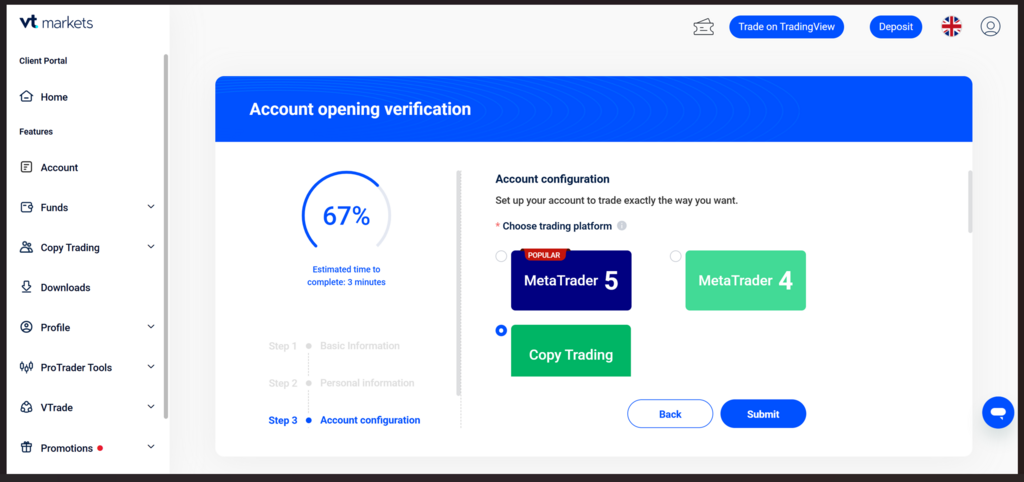
2. Open a live copy-trading account

  • Create a live copy-trading account (minimum balance requirements apply to copy the strategy). 
    Account > Open live account 

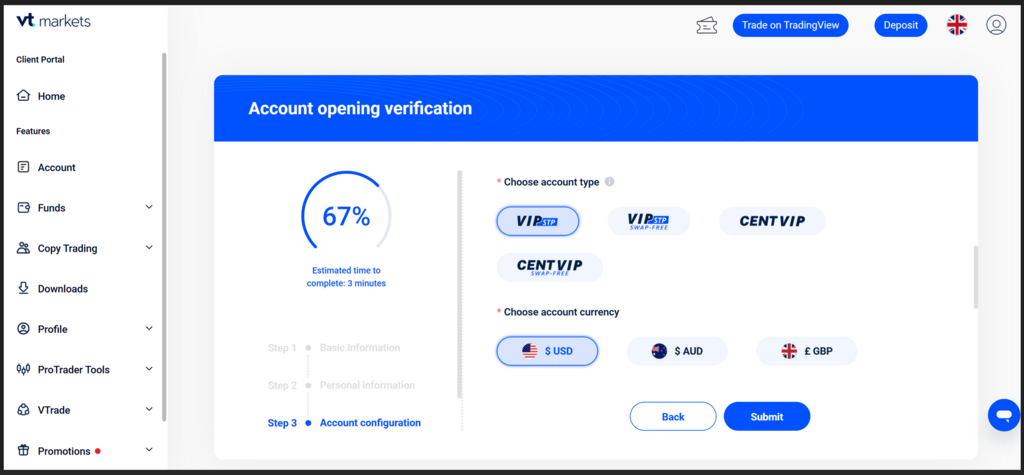
3. Account settings

  • VIP STP
  • USD

3. Fund your account

Deposit funds according to the recommended balance for the strategy and your preferred payment method.

4. Start copying the strategy
From the menu select Copy Trading > Discover

Search for OminPro strategy and click on Copy
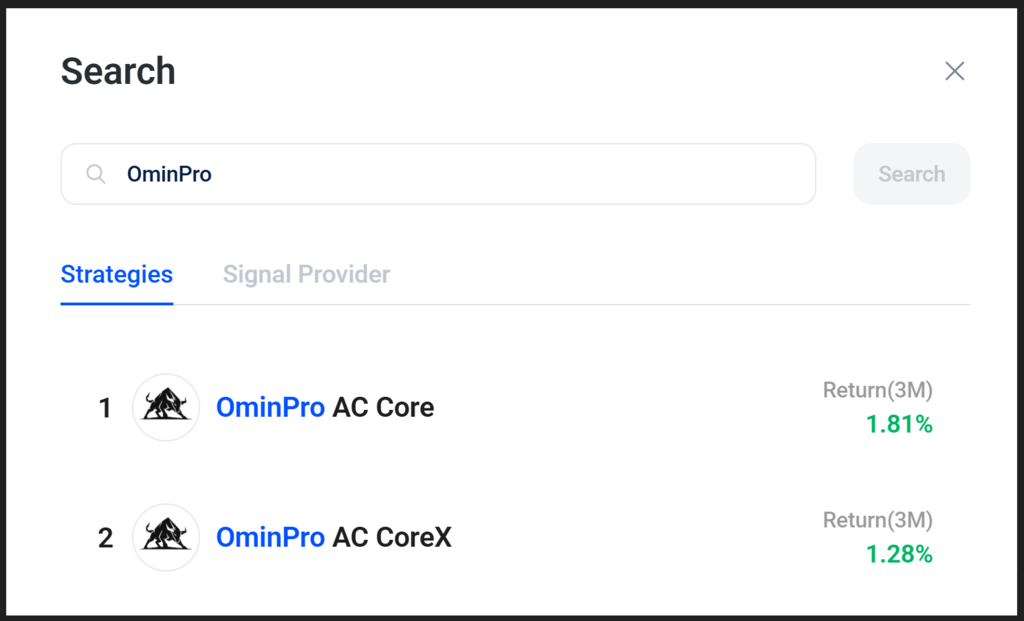
5. Click on Copy. This will take you to the strategy settings.

6. Strategy settings
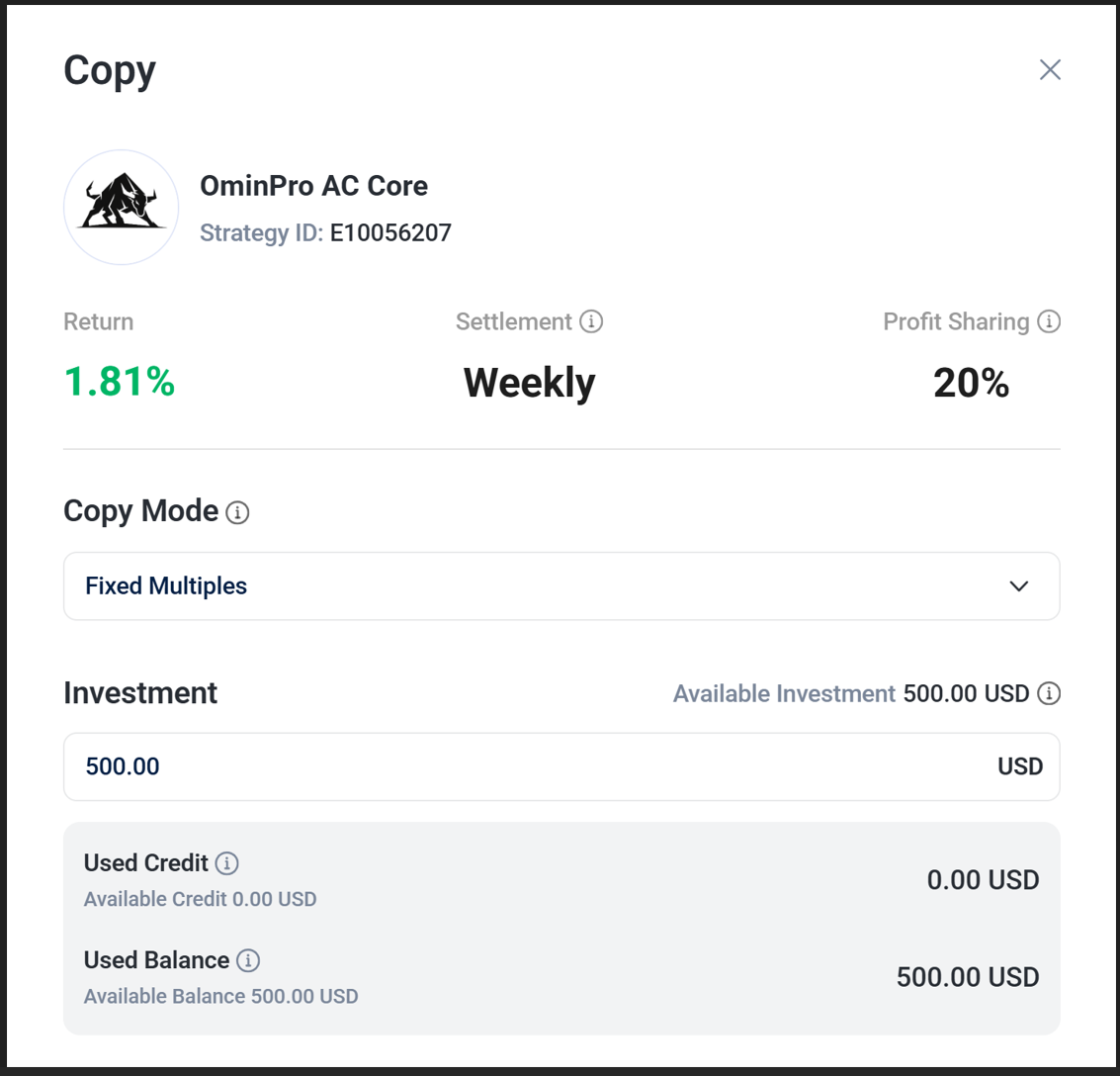
  • Copy Mode: Fixed Multiples
  • Investment - according to the strategy requirements
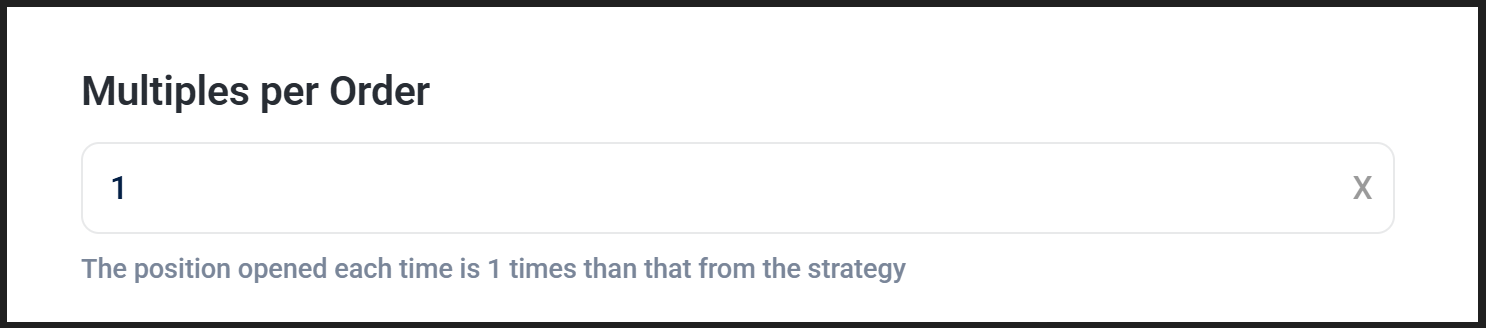
  • Multiples per order: 1 
    You are strongly advised to use multiples of 1 per each $1000. You can join the strategy with $500, please refer to Risk & FAQ what this will mean in terms of overall risk when the lower than recommended balance is used.
    Examples:
    $1000 1x multiples
    $2000 2x multiples
    $3000 3x multiples
    $5000 5x multiples

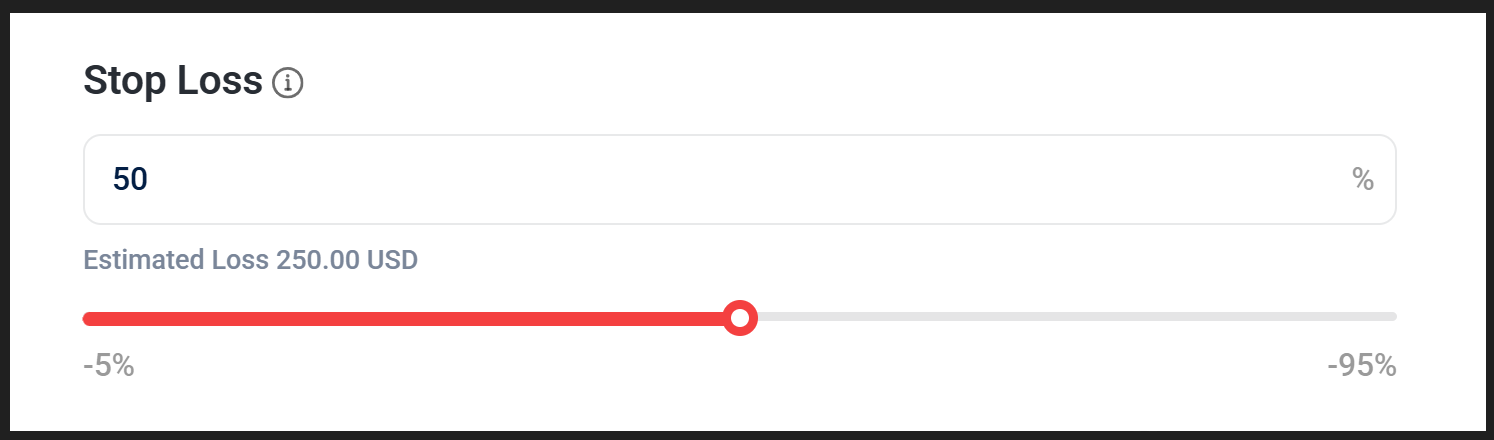
  • Stop loss. The strategy has its own mechanism to protect capital by executing Stop Loss ~12-15% of the reference account base capital of $1000.
    However to further protect your account you can set the stop loss to 50% of the account balance.
    Any stop loss which is lower than $150 may invalidate strategy own recovery mechanism and your trades may close prematurely.
  • Take Profit: OFF
  • Copy existing positions: NO